
6 Best Data Enrichment Tools: Pricing and Best Uses (2026)
You have a list. The next question is what is missing: a business contact, company context, or data that stays up to date in your CRM. These six tools solve different parts of that job.
On this page
💡 In short: choose by the job
Start here: evaluate Clay for multi-provider workflows, Apollo for database-backed contact/account enrichment, HubSpot for enrichment within its CRM, Outscraper for public contact extraction, Scrap.io for matching existing inputs to Maps businesses, and OwnerClue for website research with reviewable contact and owner/founder evidence.
Research your existing website list →20 credits once · 14 days · no card required. Public contacts depend on source availability.
🧭 Which enrichment tool fits your workflow?
5 questions · optional · no email requiredHow we compared these tools
We publish OwnerClue, included in this shortlist. We reviewed the linked official product, pricing and help pages on November 1, 2026. Recommendations describe workflow fit. We did not run a comparative match-rate, accuracy or deliverability benchmark, and the order below is not a performance ranking. Product captures below show official public pages; they are not our performance tests.
The main criteria are accepted input, required output fields, source and matching method, evidence review, CRM/export workflow and actual plan requirements. This is a tool-selection guide; what lead enrichment means explains the underlying process in more detail.
| Decision | Why it changes your shortlist |
|---|---|
| Starting input | A domain, business email and store phone number require different matching methods. |
| Required fields | Company attributes, public contact routes and supported people records are different outputs. |
| Evidence and review | Check sources, person associations, blanks and overwrite behavior. |
| Handoff | A reviewed CSV export and continuous CRM synchronization require different capabilities. |
| Actual cost | Compare plan permissions, seats, usage units and missing-result billing. |
What needs enriching—and what does not?
Take a record from your real list and name the decision you cannot yet make. If you need a company’s size or industry, start with an appropriate dataset. If you need a public contact route and the page behind a role, website research is relevant. If you need those fields maintained inside a CRM, integration and overwrite rules become part of the buying decision.
Finding a mailbox, associating it with a person and validating delivery are separate steps. Pick the missing step before you add another platform.
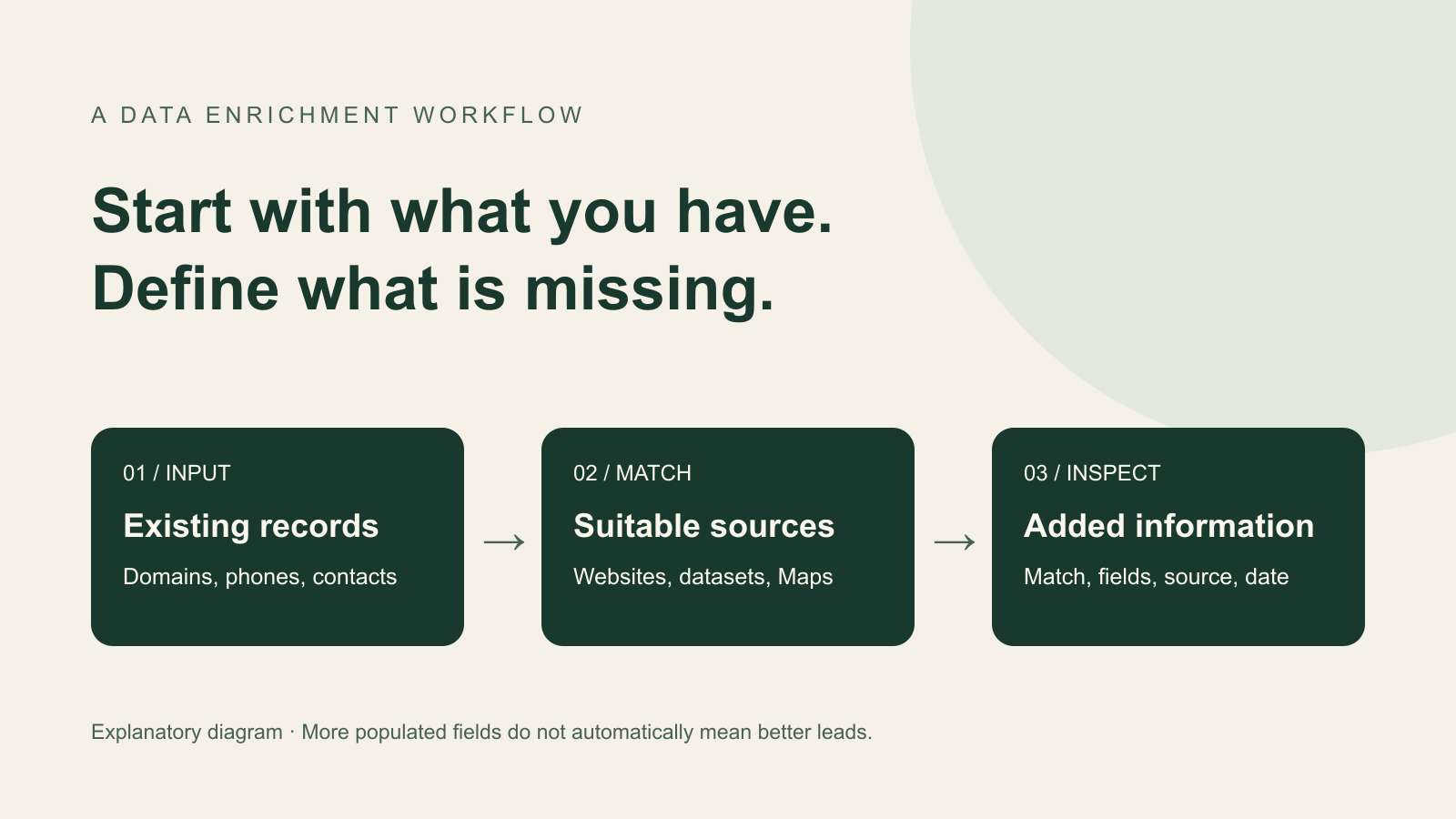
The 6 data enrichment tools to compare
Each option uses the same quick-fact format. Numbering follows the reading order, not a measured performance ranking.
1. Clay: multi-provider enrichment workflows
| Price | Launch $185 monthly / $167 annual equivalent; Growth $495 monthly / $446 annual equivalent. Actions and Data Credits are separate. |
|---|---|
| Best for | GTM teams combining data providers and web research into repeatable enrichment workflows. |
| Free / trial limits | 100 Data Credits + 500 Actions/month; up to 200 rows/table; no phone enrichment on Free. |
| Key feature | Multi-provider waterfalls, Claygent research and configurable workflows. |
| Main limitation | Native CRM auto-sync and HTTP API integrations require Growth. Workflow configuration and provider bills affect cost. |
Clay combines data providers, web research and configurable workflows. Its pricing comparison includes multi-provider waterfalls and Claygent research. Evaluate it when several sources or a sequence of conditional research steps are central to your process.
The practical decision is which providers and steps you need, what counts as a completed record, and what should happen when sources disagree. A waterfall is a workflow strategy; the existence of several providers does not establish a measured accuracy rate on your list.
When it earns a place on your shortlist
Choose it when you need to orchestrate several enrichment steps. If CRM sync is mandatory, evaluate Growth rather than using the lower Launch price as your budget.
2. Apollo: database-backed contact and account enrichment
| Price | Basic $65/seat/month or $49 annual equivalent; Professional $99 monthly or $79 annual equivalent. Plan-specific credits and permissions. |
|---|---|
| Best for | Sales teams enriching contact/account records and using a connected sales workflow. |
| Free / trial limits | Free plan advertised. The reviewed pricing card shows 75 credits/seat/month; paid capabilities and limits differ. |
| Key feature | Database-backed CRM, CSV and API enrichment with sales engagement and data-health functions. |
| Main limitation | Match inputs, available fields, credits and API/CRM permissions need checking against the required plan. |
Apollo's enrichment product describes CRM, CSV and API enrichment, plus a Data Health Center, job-change tracking and deduplication. Its CSV workflow lets users review an enriched file before moving it into another system.
Evaluate it when contact/company data and an existing sales workflow should live together. Check matching inputs, field availability, update rules and the plan needed for your CRM or API requirements. API capability at product level does not mean identical access in every subscription.
When it earns a place on your shortlist
Choose it when contact/account enrichment belongs alongside your sales process. Test your actual market; broad database coverage is not a match-rate result for your list.
3. HubSpot: enrichment inside an existing CRM
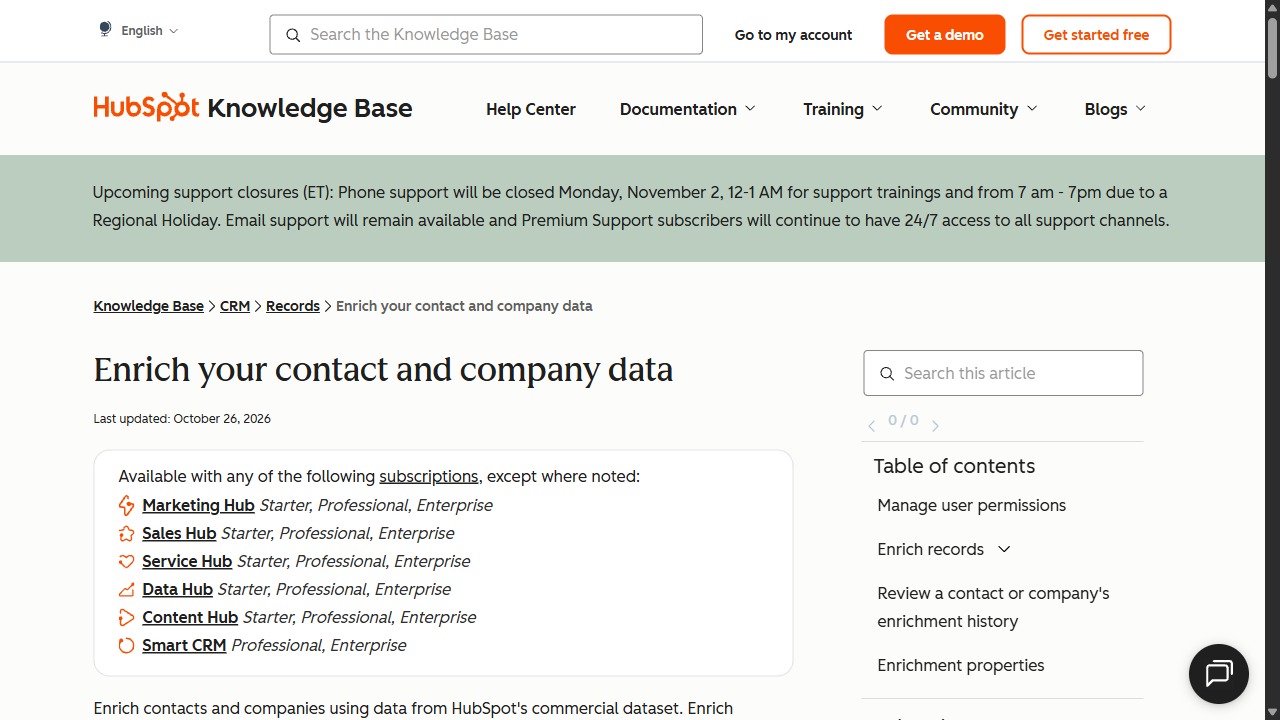
| Price | Eligible subscription required. Data Hub shows a $7/seat/month new-customer promotional starting price beside a $20 reference price; verify term and eligibility. |
|---|---|
| Best for | Teams already maintaining eligible contact and company records in HubSpot. |
| Free / trial limits | Do not assume Free CRM includes these enrichment entitlements. Check the eligible subscription and user permissions. |
| Key feature | Company/contact enrichment inside CRM with documented fill, overwrite and history behavior. |
| Main limitation | Companies need a domain; contacts need a business email. Personal Gmail/Yahoo addresses are excluded from contact enrichment. |
HubSpot's enrichment documentation describes enriching contacts and companies from its commercial dataset, individually or in bulk. Company records need a domain; contact records need a business email. The documentation excludes personal email addresses such as Gmail or Yahoo from contact enrichment.
It is a relevant option if your records already live in HubSpot and the missing fields match its supported properties. Its documented company fields include employee and revenue ranges, industry, location and other company attributes; the existence of a property does not guarantee a value for every company.
When it earns a place on your shortlist
Check it first if your data already lives in HubSpot and the supported fields meet your needs. It is not an empty-domain-to-new-mailbox discovery workflow.
4. Outscraper: domain-based public contact extraction
| Price | Emails & Contacts Scraper: $3/1,000 domains in the 501–100,000 tier; $1/1,000 above 100,000. Check found-contact billing. |
|---|---|
| Best for | Teams extracting public company contacts from an existing domain list. |
| Free / trial limits | First 500 units in the relevant service tier; tiers reset every 30 days. Check the selected service. |
| Key feature | Separately metered extraction services, contact enrichment, file exports and API workflows. |
| Main limitation | A raw record, a found contact and a verified owner email are different deliverables. Additional services change the bill. |
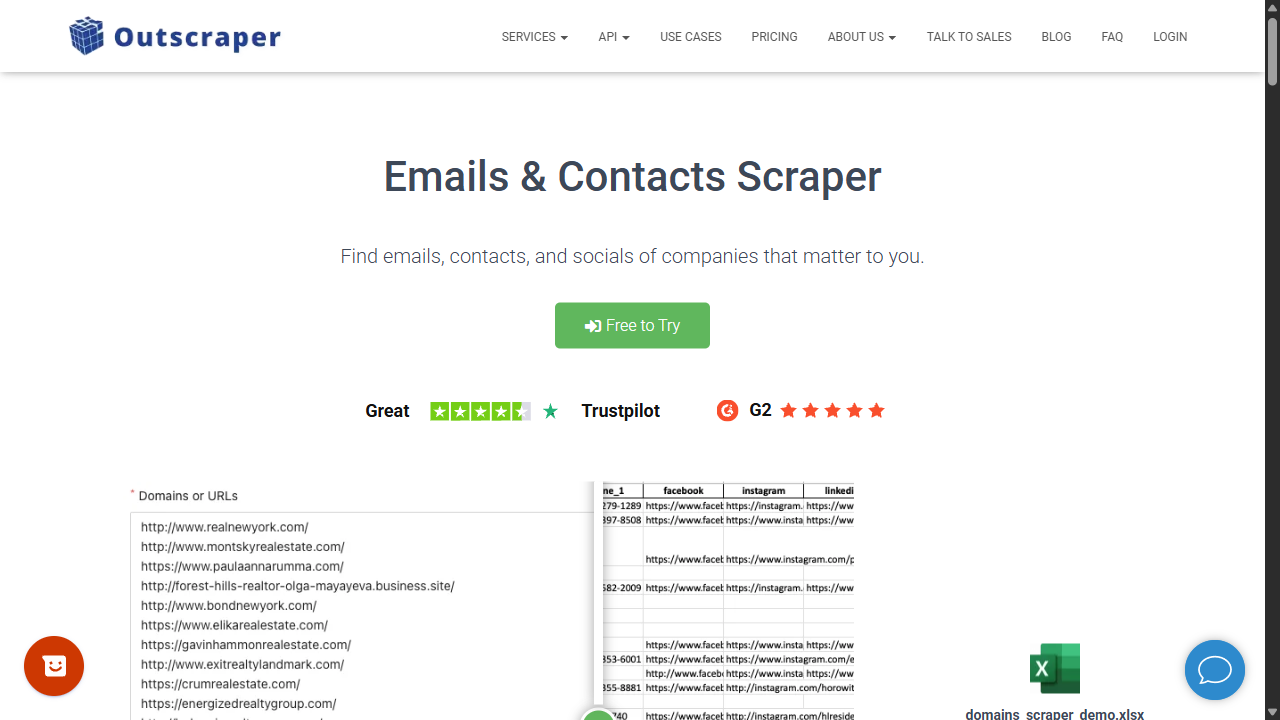
Emails & Contacts Scraper accepts a domain-oriented contact research task and describes finding emails, phone numbers and social profiles from public sources. Its page also describes identifying names/titles associated with some emails. It should not be reduced to a generic-mailbox-only tool.
Evaluate it when the missing field is a contact route and you want a separately metered extraction service. Check the returned fields and person association rather than assuming every named contact is an owner.
When it earns a place on your shortlist
Shortlist it for occasional exports or a separately metered contact service. Check the exact service and returned fields before comparing its unit price with a subscription.
5. Scrap.io: match existing inputs to Maps businesses
| Price | Basic $49/month for 10,000 export credits; Professional $99/20,000; Agency $199/40,000; Company $499/100,000. |
|---|---|
| Best for | Teams filtering map-based businesses or matching existing phones, emails and websites to business listings. |
| Free / trial limits | Seven-day trial with up to 100 leads advertised; not a recurring free plan. |
| Key feature | Google, Apple and Bing Maps discovery, business filters, file enrichment and API/MCP access. |
| Main limitation | Search geography varies by plan. Place matching does not establish a current owner or a direct personal email. |
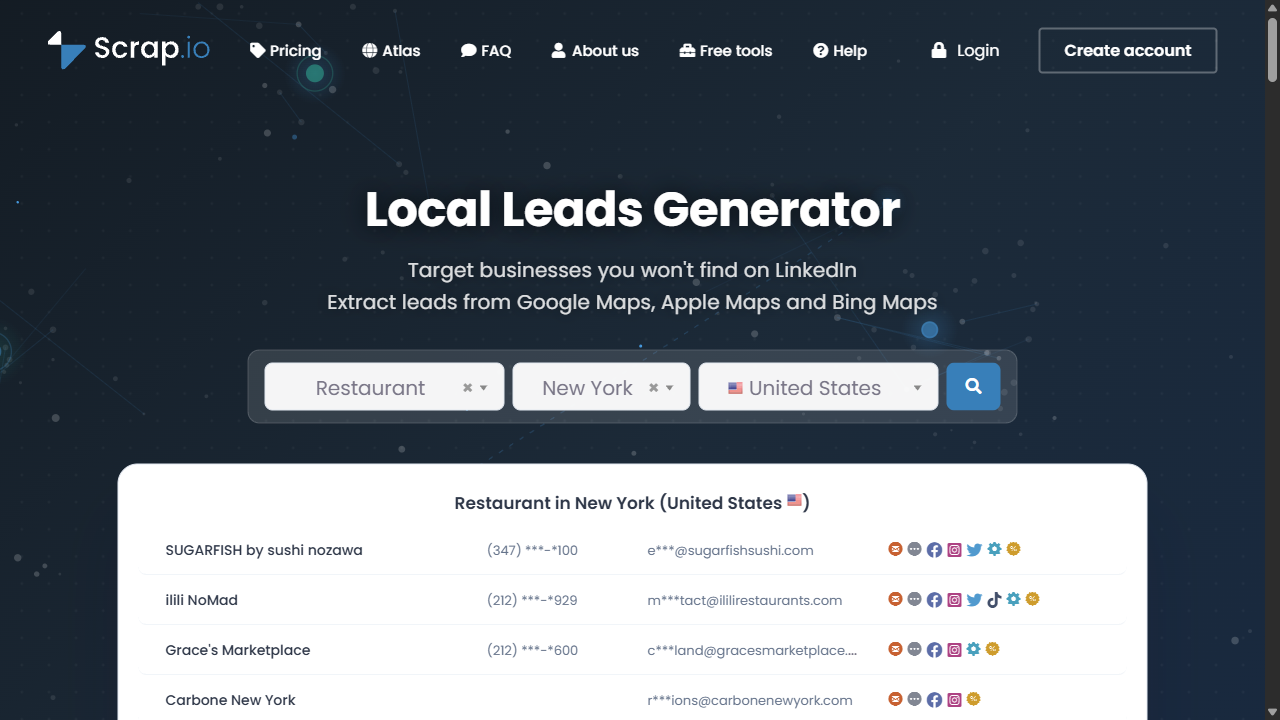
Scrap.io's file enrichment supports a CSV containing phones, emails or websites and returns matched Maps business data while preserving the original columns. Its public description lists CSV or Excel output and API/MCP access.
This is useful when you want business context attached to existing inputs: for example, locating the business listing associated with a phone or domain. Check whether a shared phone/domain resolves to one location, a headquarters or several branches.
When it earns a place on your shortlist
Choose it when searching and filtering places, or matching existing inputs to Maps data, is the central job. Check the needed geographic controls before selecting a plan by export volume.
6. OwnerClue: public website evidence
| Price | Starter $35/month · 10,000 credits; Agency $89/50,000; Scale $269/200,000. Monthly billing, USD. |
|---|---|
| Best for | Agencies researching independent local businesses and reviewing the public evidence behind a contact. |
| Free / trial limits | 20 credits once · 14 days · no card required. Not a recurring free plan or 20 guaranteed emails. |
| Key feature | Industry/location discovery and website research with contact sources, published owner/founder roles and capture times. |
| Main limitation | Public fields can be missing; no mailbox-delivery validation, native CRM auto-sync or email sending. |
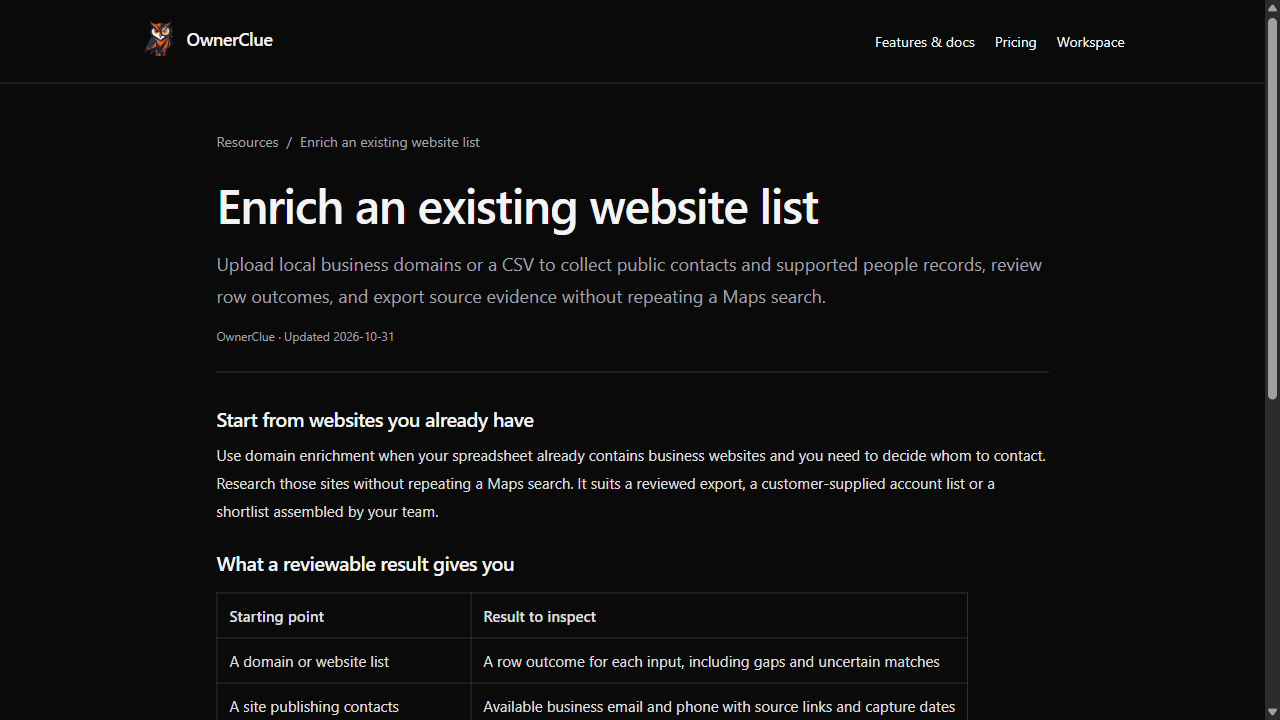
OwnerClue's domain enrichment starts with business websites or a CSV, without repeating a Maps discovery task. It returns row outcomes and available public contact findings, with source links and capture dates. Where a page explicitly supports an owner/founder role, the result can preserve the name, role, supporting wording and source.
This is relevant when your list contains independent local businesses and you want to inspect why a contact or person was returned. The local evidence example shows an owner-role source and a public business mailbox as separate findings. It is a selected walkthrough, not a coverage test.
When it earns a place on your shortlist
Choose it when your team wants to inspect public business contacts and owner/founder evidence before a CSV handoff. Choose a different workflow if native CRM sync or a built-in sequencer is essential.
Research your existing website list →Want to inspect the output first? Follow a sourced local business example.
Side-by-side: what each option is for
| Tool | Starting point and task | Check before choosing |
|---|---|---|
| Clay | Combine sources and AI research in a configurable workflow | Provider choices, Actions/Data Credits and required integration tier |
| Apollo | Enrich contact/account records using database-backed workflows | Matching inputs, available fields and plan-specific credit/API permissions |
| HubSpot | Enrich existing contact/company records in HubSpot | Eligible records, subscription, permissions and overwrite settings |
| Outscraper | Extract company contacts starting from domains | Found-contact billing and person-association coverage |
| Scrap.io | Match websites, phones or emails to Maps business data | Match quality, geographic scope and export allowance |
| OwnerClue | Inspect business websites for public contacts and supported roles | Source availability, row outcomes and separation of person/email findings |
Scenario-fit matrix
| Your situation | Start by comparing | The deciding condition |
|---|---|---|
| Public contacts from a one-off domain list | Outscraper and OwnerClue | Compare found-contact billing with a subscription and the evidence you need to inspect. |
| Review public owner/founder evidence | OwnerClue | The site must publish explicit role evidence; this is not a guarantee of a personal email. |
| Match existing phones or websites to Maps | Scrap.io | Check the matched place and branch before accepting added fields. |
| Maintain records inside a CRM | HubSpot, Apollo, Clay Growth | Start with the current CRM, required fields, overwrite rules and eligible integration tier. |
| Combine several providers and research steps | Clay | Workflow control must justify setup effort and both usage units. |
This is a task-fit comparison, not a star rating. Source links and plan restrictions appear with each product.
Prices and free limits, side by side
| Product and relevant starting option | Monthly billing | Annual effective monthly price | Key qualification |
|---|---|---|---|
| Clay Launch | $185 | $167 | Separate Actions and Data Credits; CRM auto-sync requires Growth ($495 monthly / $446 annually) |
| Apollo Basic | $65/seat | $49/seat | Credit allowance and permissions depend on the plan and term |
| HubSpot eligible subscription | Account/Hub-specific; Data Hub shows a $7/seat promotional starting price | Verify the selected offer and term | New-customer eligibility and the existing subscription affect the quote |
| Outscraper Emails & Contacts Scraper | $3/1,000 domains in the 501–100,000 tier | Not a subscription comparison | First 500 free; reviewed policy bills domains with found contacts |
| Scrap.io Basic | $49 | Check the yearly selector | 10,000 place-export credits; verify file-task consumption |
| OwnerClue Starter | $35 | Monthly plans currently offered | 10,000 credits; a readable completed site without email can still cost a credit |
These are starting options, not equivalent-output quotes. Prices are USD, reviewed November 1, 2026; applicable taxes and any additional services should be checked before purchase. The official links in each product section support the plan and feature details.
| Need | Cost question to ask |
|---|---|
| One-off domain contact extraction | What is charged when no contact is found, and what other services are selected? |
| Repeated monthly website research | What subscription allowance expires, and how many completed websites will you actually process? |
| CRM auto-sync | Which subscription enables it, and what is the cost across all required seats? |
| Multi-provider waterfall | How many paid steps run per record, and are external provider bills separate? |
| Maps matching | What counts as a place/export, and how are repeated or ambiguous matches handled? |
For an illustrative 1,000-domain task, Outscraper's reviewed contact-service tiers imply (1,000 − 500) × $3/1,000 = $1.50 if all domains enter the billable found-contact count, the free tier is unused, and no other service is selected. This is a tier calculation, not a measured task result.
In OwnerClue, 1,000 unique successful readable domains consume 1,000 credits, whether or not every site publishes an email. Starter still costs $35 for the month. The outputs and missing-result billing are different, so those figures cannot establish which service has the lower cost per usable contact.
Build a small enrichment workflow before scaling
Start with a small representative sample of your own records. Include difficult names, missing fields, independent businesses and shared domains. Retain original IDs, inputs and blanks so results can be traced back to the source list.
- Define required fields and acceptable evidence before running enrichment.
- Check business/person matching before counting filled fields.
- Keep the original value when a new value conflicts; review before overwriting.
- Separate public mailboxes, supported person-email pairs and delivery-validation results.
- Record rejected and unresolved rows alongside accepted records.
- Test the export or CRM mapping, including dates, role labels and phone formatting.
Measure accepted records under your rules, not just cells filled. Calculate total actual spend divided by accepted records only after checking the sample; do not project a hand-picked example's yield across an entire market. For the broader process, use the lead enrichment guide.
- Keep the original row ID
- Choose the missing fields
- Enrich and review evidence
- Map accepted records to CRM
Which tool should you choose?
Use Clay when combining providers and research steps is worth the workflow configuration. Evaluate Apollo when database-backed contact/account enrichment fits your sales stack. If you already operate in HubSpot, check its built-in enrichment and overwrite behavior first.
For public contact extraction, compare Outscraper's service and OwnerClue's research workflow against your required evidence. Choose Scrap.io when matching existing inputs to Maps places is the main task. Choose OwnerClue when you have business websites and want public contact paths plus explicit owner/founder evidence to inspect and export.
If you require a guaranteed personal owner mailbox, comprehensive firmographics or automatic CRM synchronization, do not choose OwnerClue on the strength of its website research alone. Use a provider or combination suited to those requirements.
If you only need a small one-off task
Compare usage-based services and recurring free allowances before buying a monthly subscription. Include the required fields and review work in the comparison.
If your existing workflow already works
Keep it unless the sample reveals a specific missing capability or unacceptable cost. A new tool should solve that gap, not merely return more columns.
More tool comparisons
Frequently asked questions
Is enrichment the same as email verification?
No. Adding a public email, matching it to a business and testing whether it can receive mail are different operations. Preserve the verification provider, time and result separately if you perform that additional check.
Can I enrich a company when I only have its domain?
Several workflows accept domains, but they return different results. Check whether you need company attributes, Maps listing context, public website contacts or supported people. The source and matching method should fit that requirement.
Does a general business email count as an owner email?
Not without evidence. A page naming a founder and another page listing info@ establish two observations. They do not automatically establish a person-email association or the founder's current ownership.
Do I need a new platform if I already use a CRM?
Check its existing enrichment capabilities and field rules first. Adding another provider makes sense when it supplies missing coverage, evidence or workflow capabilities that you actually need. Avoid overwriting good data simply to populate more fields.
What if I do not have a list yet?
Start with B2B list building or compare lead scraping tools. For local businesses, search an industry and location, then research the returned websites.
🚀 Test the workflow on your own list
If you have local business websites and need public contacts plus explicit owner/founder evidence, start with a small website batch. Inspect the returned sources and unresolved rows before handing the list to a CRM.
Research your existing website list →One-time 20-credit trial · 14 days · no card required. Missing public emails can still be charged; read the billing rules.
Useful resources and official sources
- Clay: official product or documentation
- Apollo: official product or documentation
- HubSpot: official product or documentation
- Outscraper: official product or documentation
- Scrap.io: official product or documentation
- OwnerClue: official product or documentation
- How to interpret source and contact-association states
- Current OwnerClue plans and trial conditions