
6 Best B2B Lead Scrapers: Pricing and Best Uses (2026)
You need a list your team can use. These six lead scrapers take different routes: configurable website collection, map-based business search, public contact research, and discovery with built-in outreach.
On this page
💡 In short: choose by the job
Our shortlist: Apify for configurable collection workflows; Outscraper for separately metered extraction services; Scrap.io for map-based search and filtering; LocalProspects.ai for Maps leads with website enrichment; LeadSwift for local discovery with outreach; and OwnerClue for local discovery followed by reviewable public contact and owner/founder evidence.
Build a local business list →20 credits once · 14 days · no card required. Public contacts depend on source availability.
🧭 Which lead scraper fits your workflow?
5 questions · optional · no email requiredHow we compared these tools
We publish OwnerClue, one of the products discussed here. We reviewed the linked official product pages and pricing on November 1, 2026. This is a documentation-based comparison, not a hands-on accuracy or speed benchmark. Product captures below show official public pages; they are not our performance tests.
We selected tools with different ways to collect and prepare business data. We compared source and geography, website/contact research, export and automation options, outreach scope, and billing units. The numbered list is reading order, not a performance ranking. We have not established comparative match rates, email deliverability or cost per qualified prospect.
| Decision | Why it changes your shortlist |
|---|---|
| Data source | A Maps territory search and a custom website extraction task need different tools. |
| Contact research | Listing fields alone may not be enough to choose whom to contact. |
| Evidence | A contact route, an owner-role observation and a person-linked email need separate checks. |
| Next step | Some teams only need exports; others require API orchestration or email sending. |
| Actual cost | Records, domains, daily searches and usage credits are not equivalent units. |
What should a lead scraper actually deliver?
A restaurant supplier may need stores in a delivery area. A website agency may need independent businesses with a usable website contact. A sales team may need both the list and a sequencer. Buying a tool because it exports a large number of rows can leave the actual job unfinished.
Start with the source, the minimum contact fields, and where the list will go next. The shortlist below keeps those differences visible instead of declaring one tool the winner for everyone.
The 6 B2B lead scrapers to compare
Each option uses the same quick-fact format. Numbering follows the reading order, not a measured performance ranking.
1. Apify: configurable collection workflows
| Price | Starter $19/month with $19 usage balance; additional usage and Actor-specific charges may apply. |
|---|---|
| Best for | Technical teams assembling collection workflows for a specific source or several websites. |
| Free / trial limits | $5 monthly usage balance · no card required. Coverage depends on the chosen Actor and its charges. |
| Key feature | Hosted Actors, scheduling, APIs and configurable collection workflows. |
| Main limitation | The platform does not standardize every Actor’s fields, maintenance or completed-list cost. |
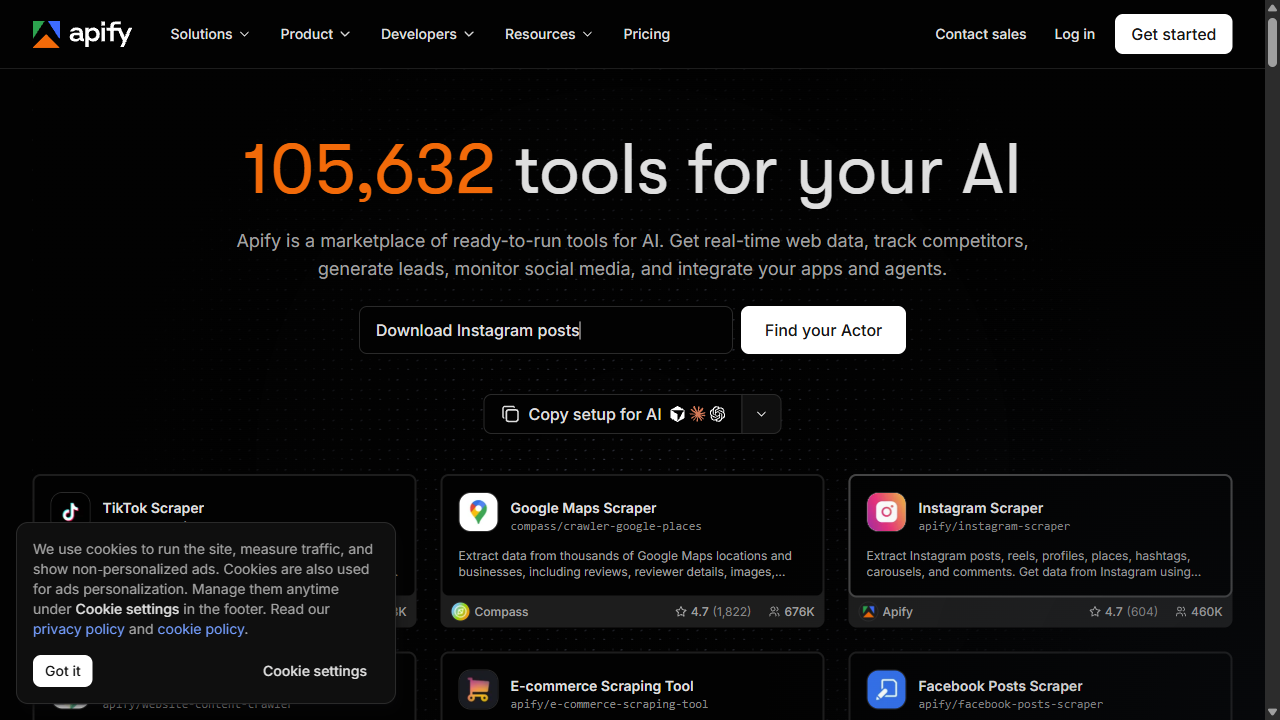
Apify is a platform for running data collection programs called Actors. Evaluate the specific Actor that retrieves your intended source, rather than treating every Actor as the same lead scraper. A Maps workflow and a contact-details crawler have different inputs and outputs.
This is a useful option when you want to assemble collection, scheduling and downstream processing around your own requirements. Inspect the Actor's input schema, sample output, export options, update history and charges. A platform integration does not establish that an individual Actor returns the contact fields you need.
When it earns a place on your shortlist
Choose around an Actor that supports your actual source and output. It is a stronger fit for custom collection logic than for a team wanting one prescribed local prospecting process.
2. Outscraper: hosted extraction with service-specific billing
| Price | Lead Scraper: $6/1,000 records in the 501–100,000 tier; Emails & Contacts: $3/1,000 domains in that tier. Separate services. |
|---|---|
| Best for | Teams buying a specific hosted extraction or contact-research service on demand. |
| Free / trial limits | First 500 units in the relevant service tier; tiers reset every 30 days. Check the selected service. |
| Key feature | Separately metered extraction services, contact enrichment, file exports and API workflows. |
| Main limitation | A raw record, a found contact and a verified owner email are different deliverables. Additional services change the bill. |
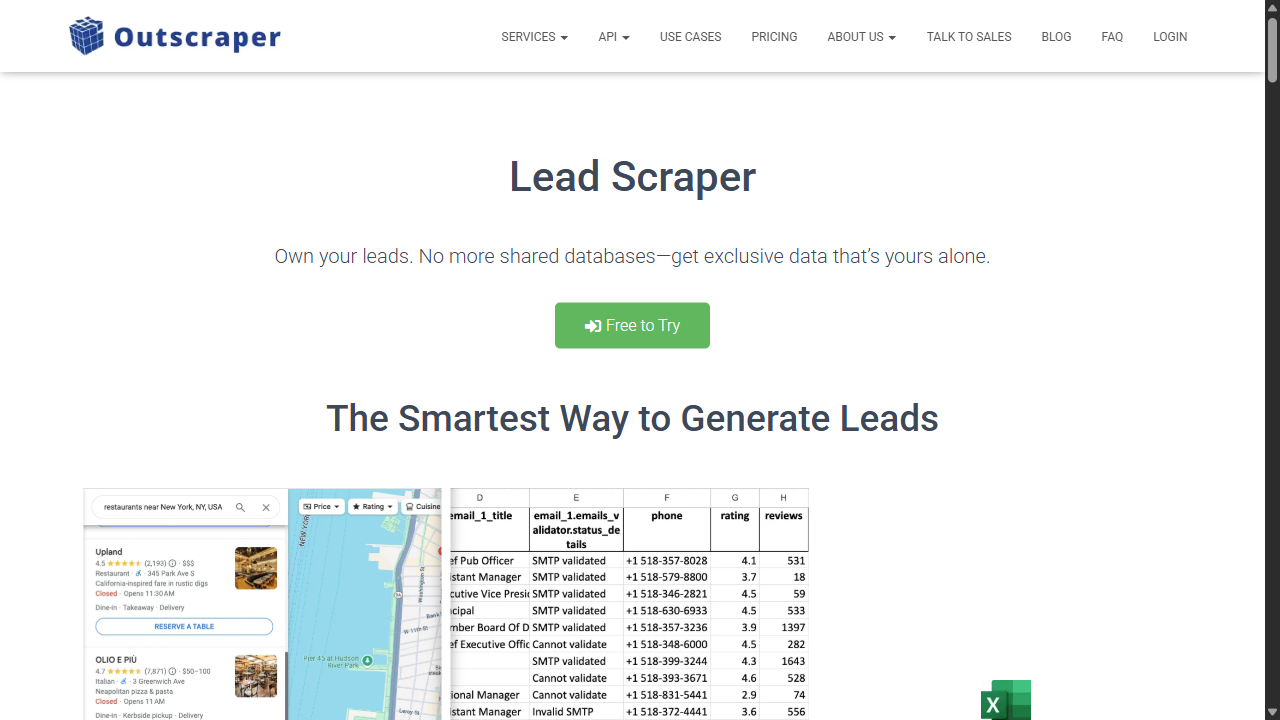
Outscraper's Lead Scraper offers a hosted lead extraction workflow and CSV, Excel, Parquet and JSON outputs. Its product page lists contact fields and links to additional services and API documentation.
Evaluate it when you want a managed extraction service and are comfortable selecting the required data products. Outscraper also has an Emails & Contacts Scraper; it is incorrect to describe the company as providing only basic Maps fields.
When it earns a place on your shortlist
Shortlist it for occasional exports or a separately metered contact service. Check the exact service and returned fields before comparing its unit price with a subscription.
3. Scrap.io: map-based discovery and filtering
| Price | Basic $49/month for 10,000 export credits; Professional $99/20,000; Agency $199/40,000; Company $499/100,000. |
|---|---|
| Best for | Teams filtering map-based businesses or matching existing phones, emails and websites to business listings. |
| Free / trial limits | Seven-day trial with up to 100 leads advertised; not a recurring free plan. |
| Key feature | Google, Apple and Bing Maps discovery, business filters, file enrichment and API/MCP access. |
| Main limitation | Search geography varies by plan. Place matching does not establish a current owner or a direct personal email. |
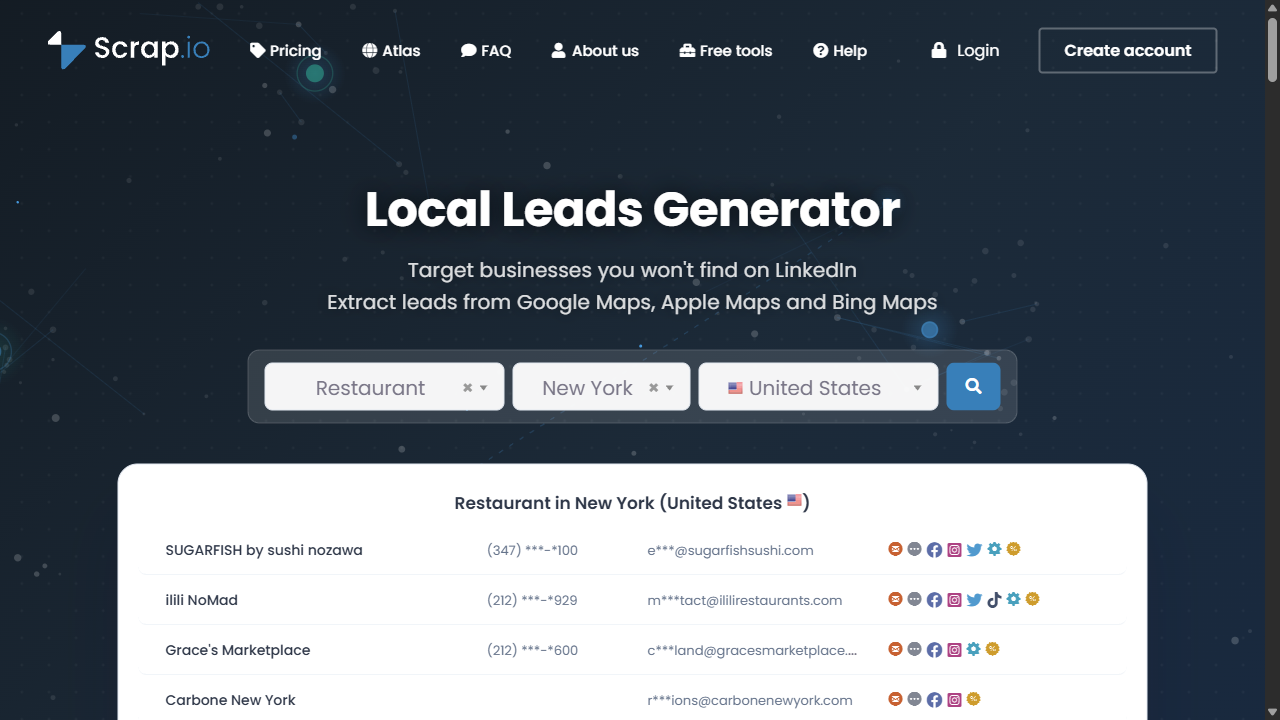
Scrap.io describes business discovery across Google Maps, Apple Maps and Bing Maps, with filters for websites, phones, email, ratings and other fields. It also offers file enrichment, API and MCP access.
It is relevant when your team wants to filter a local business list before exporting it. Check whether multiple source records represent the same business or separate branches, and inspect the vendor's sample export against your CRM columns.
When it earns a place on your shortlist
Choose it when searching and filtering places, or matching existing inputs to Maps data, is the central job. Check the needed geographic controls before selecting a plan by export volume.
4. LocalProspects.ai: Maps discovery with website enrichment
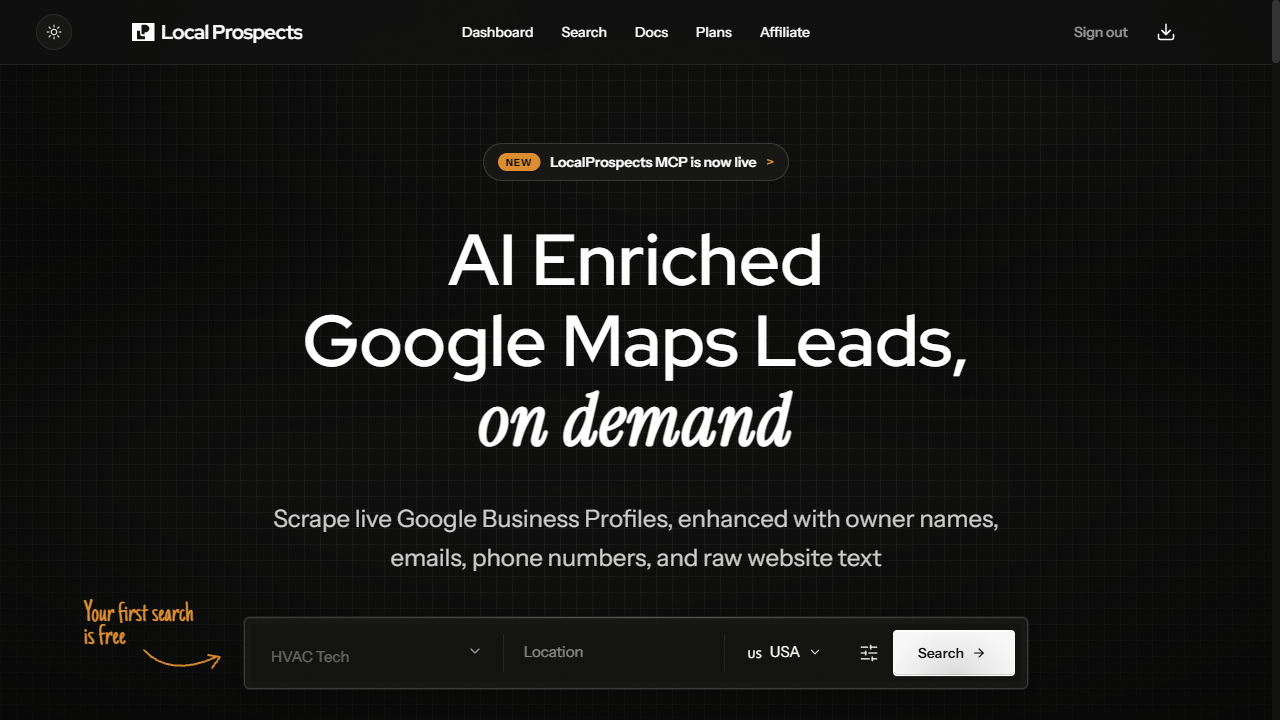
| Price | Starter $39/month; Agency $97; Scale $297. Annual equivalents $29/$79/$229 per month; 10k/50k/200k monthly leads. |
|---|---|
| Best for | Local prospecting teams wanting Maps data and website enrichment in one pipeline. |
| Free / trial limits | First search free, no card required, as advertised. Check the actual search allowance. |
| Key feature | Maps discovery plus public emails, owner-name research, phone-type information and website content; REST API/MCP. |
| Main limitation | Included enrichment does not guarantee an owner or a direct personal email for each business. |
LocalProspects.ai combines Google Business Profile discovery with a website enrichment pipeline. The public product page describes owner names, public business emails, phone-type information, social profiles and website content, plus REST API and MCP access.
It is a direct shortlist option for local prospecting, including for readers considering OwnerClue. Its page also shows illustrative demo records. Those examples explain the interface; they do not establish coverage on your own territory or industry.
When it earns a place on your shortlist
Include it on the shortlist for a combined local discovery/enrichment workflow. Compare a representative sample and inspect person/email associations rather than judging from demo rows.
5. LeadSwift: local discovery with outreach
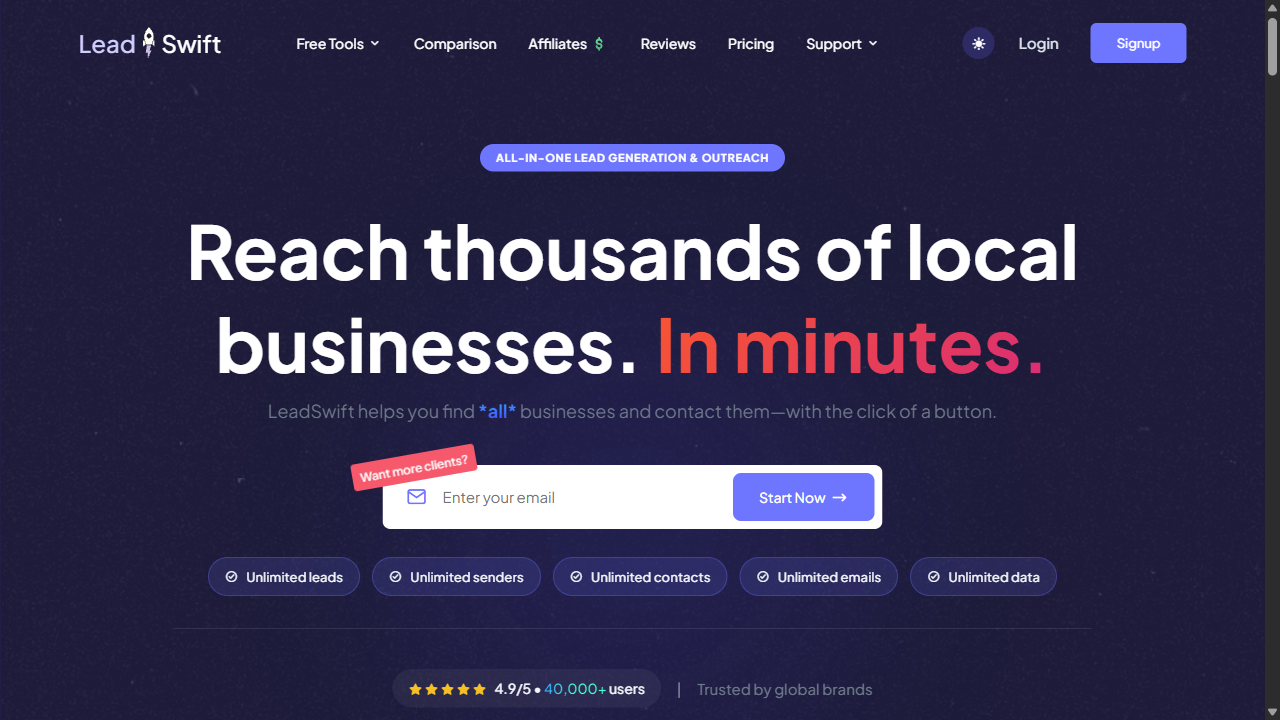
| Price | Promotional monthly $24.99/$49.99/$99.99; annual equivalents $19.99/$39.99/$79.99. 1/5/20 searches per day. |
|---|---|
| Best for | Local sales teams that require discovery, enrichment and email follow-up in one product. |
| Free / trial limits | Seven-day no-card trial advertised. Promotional prices can change. |
| Key feature | Local discovery, website-content filters, enrichment and built-in email sequences. |
| Main limitation | Unlimited records/exports do not remove daily search limits. Sending does not establish delivery or buyer interest. |
LeadSwift describes local business discovery, website-content filters, enrichment and built-in email sequences. Its outreach capabilities make it relevant when you want to continue from list creation into sending within the same product.
Evaluate the search definition, territory coverage, sender setup, sequence controls and export fields. Treat claims about finding every business or outperforming other providers as vendor claims, not measured conclusions from this guide.
When it earns a place on your shortlist
Choose it when the built-in sending workflow is a requirement. Compare daily searches and sender requirements; do not interpret unlimited leads as unlimited search jobs.
6. OwnerClue: public website evidence
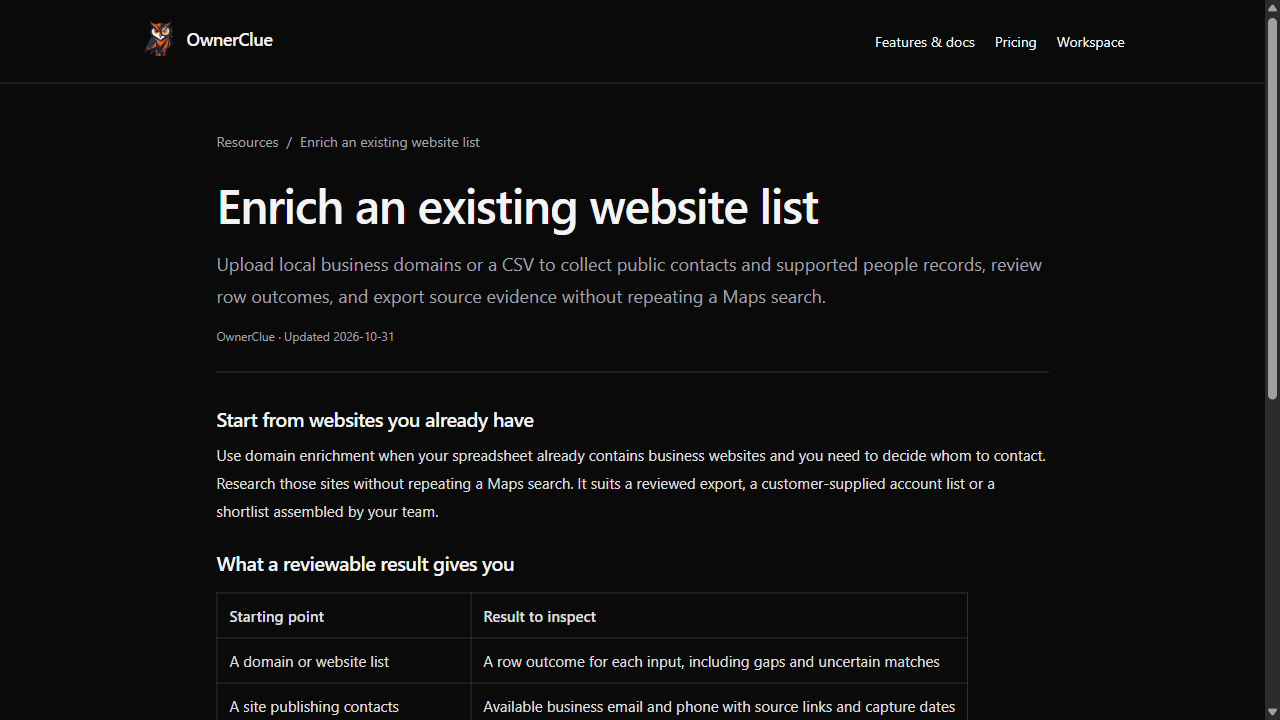
| Price | Starter $35/month · 10,000 credits; Agency $89/50,000; Scale $269/200,000. Monthly billing, USD. |
|---|---|
| Best for | Agencies researching independent local businesses and reviewing the public evidence behind a contact. |
| Free / trial limits | 20 credits once · 14 days · no card required. Not a recurring free plan or 20 guaranteed emails. |
| Key feature | Industry/location discovery and website research with contact sources, published owner/founder roles and capture times. |
| Main limitation | Public fields can be missing; no mailbox-delivery validation, native CRM auto-sync or email sending. |
OwnerClue starts with an industry and location, then researches the returned businesses' websites for public contacts and explicit owner/founder evidence where available. Its source documentation distinguishes listing data from website observations, person-email association and delivery validation.
The useful output is a record you can review: which business was found, which page published a contact, what role the page states, and when that observation was captured. A founder mentioned historically should remain a founder observation; a general inbox should remain a business contact route unless there is evidence connecting it to a person.
When it earns a place on your shortlist
Choose it when your team wants to inspect public business contacts and owner/founder evidence before a CSV handoff. Choose a different workflow if native CRM sync or a built-in sequencer is essential.
Build a local business list →Want to inspect the output first? Follow a sourced local business example.
Side-by-side: what each option is for
| Tool | Evaluate it when you need | Main trade-off to check |
|---|---|---|
| Apify | A configurable collection workflow for a particular site or several sources | Actor-specific inputs, output and pricing; setup and maintenance |
| Outscraper | Hosted lead extraction and separately priced data services | Which service you are buying and what each returned unit includes |
| Scrap.io | Map-based business search, filtering and exports | Geographic search permissions and monthly export allowance |
| LocalProspects.ai | Google Maps records with a website enrichment pipeline | Actual owner/email coverage and monthly allowance |
| LeadSwift | Local discovery, enrichment and email outreach in one platform | Daily search limits and the operational requirements of sending |
| OwnerClue | Local business lists with public website contacts and role evidence to review | Source availability; contact discovery does not validate delivery |
Scenario-fit matrix
| Your situation | Start by comparing | The deciding condition |
|---|---|---|
| Configure collection for a custom source | Apify | An appropriate Actor must support the input, required output and budget. |
| Export an occasional local business list | Outscraper | Select the exact extraction/enrichment service and confirm its unit. |
| Repeat geographic filtering and exports | Scrap.io | Buy the geographic controls required, not just the largest allowance. |
| Combine Maps discovery and website research | LocalProspects.ai and OwnerClue | Review a real sample, contact associations and the evidence available for the target businesses. |
| Find local businesses and send follow-ups | LeadSwift | Daily search limits and sender requirements fit the workflow. |
This is a task-fit comparison, not a star rating. Source links and plan restrictions appear with each product.
Prices and free limits, side by side
| Product and entry option | Monthly billing | Annual effective monthly price | What the price buys |
|---|---|---|---|
| Apify Starter | $19 plus usage beyond the included balance | Check the current selected plan | $19 usage balance; actual Actor and resource charges vary |
| Outscraper Lead Scraper | No monthly subscription; $6/1,000 in the 501–100,000 tier | Not a subscription comparison | Business records; first 500 free in the tier period |
| Scrap.io Basic | $49 | Check the yearly selector | 10,000 export credits; city-level search |
| LocalProspects.ai Starter | $39 | $29 | 10,000 leads/month with the listed enrichment pipeline |
| LeadSwift Starter | $24.99 promotional | $19.99 promotional | One search/day; listed records and export allowances |
| OwnerClue Starter | $35 | Monthly plans currently offered | 10,000 credits; distinct search and successful-site units |
Compare the same task and distinguish subscription cost from usage cost. For an illustrative task of 2,000 business records, Outscraper's reviewed Lead Scraper tier calculation would be (2,000 − 500) × $6/1,000 = $9, assuming no other usage in that tier period and no additional services. That calculation is not an owner-email quote.
Under OwnerClue's Starter subscription, 2,000 unique search deliveries would consume 2,000 of the 10,000 monthly credits. The subscription still costs $35; unused allowance is not a refund. We have not measured whether those two workflows return equivalent businesses or contacts.
Record four separate quantities: businesses returned, businesses that fit your target, usable public contact routes, and supported person-email pairs. Add review time, any independent verification and your sending stack when calculating cost per accepted record. See lead scraper vs data provider if you are also considering a purchased database.
From collection to a reviewed prospect list
Use the same industry, geography, branch policy and required fields across your shortlist. Keep failed and incomplete records in the evaluation.
- Check that the business is in your territory and the website belongs to it.
- Separate duplicate listings from genuine branches sharing a domain.
- Inspect the source behind a contact and the role behind a person name.
- Record whether an email is a general inbox, person-linked or unresolved.
- Check the export in your destination tool before buying more volume.
- Keep delivery validation and replies separate from data completeness.
This is a proposed evaluation method, not a test result. The prospect-list workbench can help review exported CSV lists; it does not establish that the original contacts are correct.
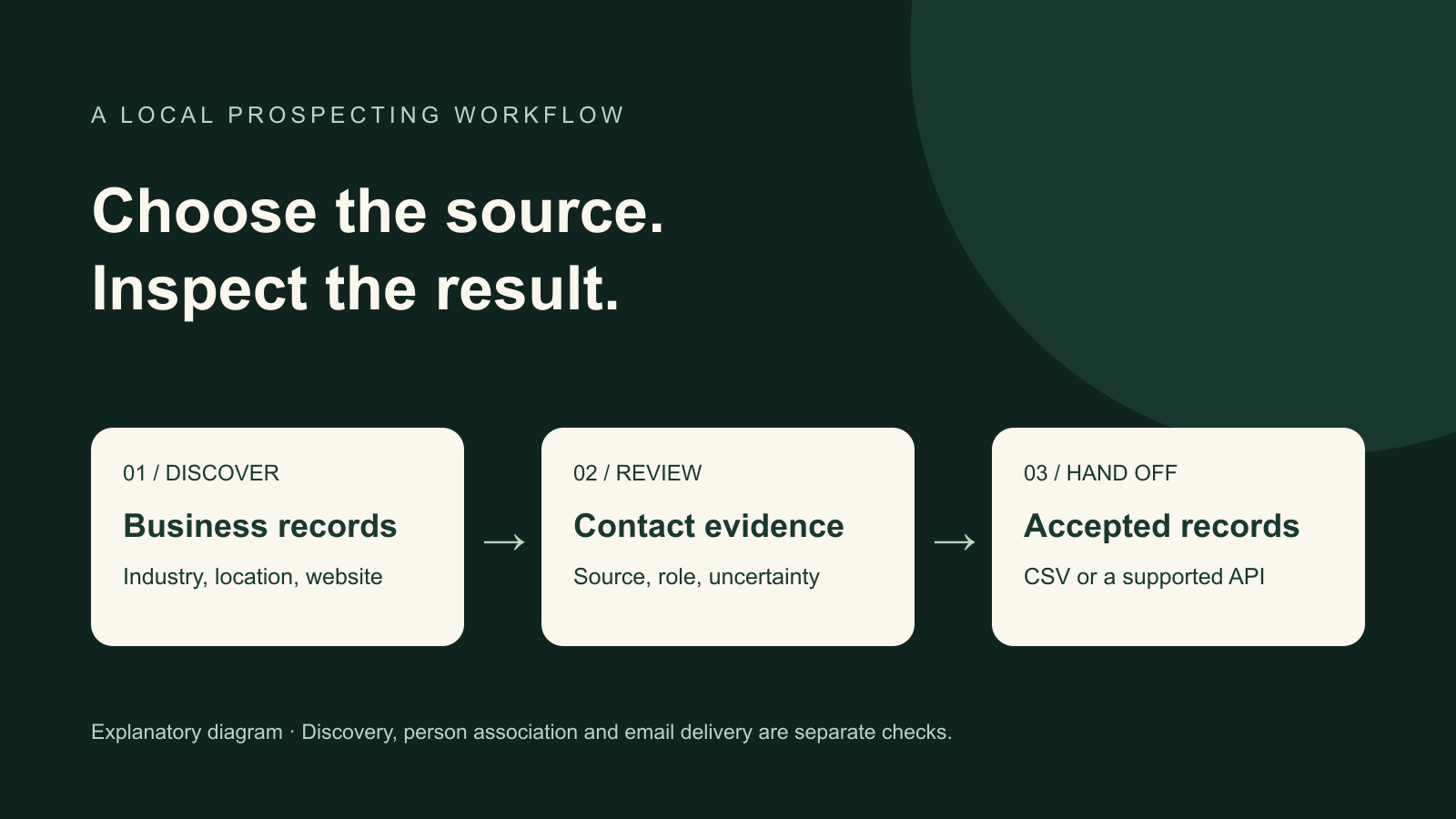
- Choose industry and location
- Collect business records
- Review contacts and sources
- Export accepted prospects
Which tool should you choose?
Choose a configurable platform such as Apify when your source and extraction logic need customization. Evaluate Outscraper when its managed service and usage model fit the required output. Consider Scrap.io when map search/filtering is central, LocalProspects.ai when its combined local enrichment workflow fits, and LeadSwift when built-in outreach is a requirement.
Choose OwnerClue when you want local business discovery followed by public website contact and owner/founder evidence review, with a CSV handoff. If you already have domains, enrich those websites rather than repeat a Maps search. If you require a complete employee database, guaranteed personal owner emails or a native email sequencer, choose a product designed for those requirements.
If you only need a small one-off task
Compare usage-based services and recurring free allowances before buying a monthly subscription. Include the required fields and review work in the comparison.
If your existing workflow already works
Keep it unless the sample reveals a specific missing capability or unacceptable cost. A new tool should solve that gap, not merely return more columns.
More tool comparisons
Frequently asked questions
Does a lead scraper find verified owner emails?
Sometimes a source publishes a named person's email, but the label “lead scraper” does not guarantee that output. Check person association, current role and independent deliverability results separately. A public inbox can be useful without belonging to the owner.
Should I buy a scraper or a contact database?
Choose according to the record you need. Category/location businesses and employee records filtered by seniority are different tasks. A combined workflow can be sensible; see the scraper vs data-provider comparison.
Which is best if I already have a website list?
Start with an enrichment workflow. Our data enrichment tool comparison covers domain research, database matching and CRM enrichment. Paying to rediscover companies you already have may add unnecessary work.
Can public business information be used for outreach?
Public availability does not settle permission or compliance. Review the applicable requirements for your market, channel and data use, and the provider's terms. This comparison makes no legal-compliance certification for any vendor.
Is there a free option?
Apify and relevant Outscraper services publish recurring free allowances; LeadSwift advertises a time-limited trial. OwnerClue's offer is a one-time 20-credit, 14-day trial. Compare the actual units and restrictions instead of treating these as equivalent free plans.
🚀 Test the workflow on your own list
If you need local business discovery followed by public website research, start with one industry and one area. Inspect the source evidence before expanding the list.
Build a local business list →One-time 20-credit trial · 14 days · no card required. Missing public emails can still be charged; read the billing rules.
Useful resources and official sources
- Apify: official product or documentation
- Outscraper: official product or documentation
- Scrap.io: official product or documentation
- LocalProspects.ai: official product or documentation
- LeadSwift: official product or documentation
- OwnerClue: official product or documentation
- How to interpret source and contact-association states
- Current OwnerClue plans and trial conditions