
7 Apify Alternatives for Scraping and Lead Generation (2026)
Quick answer
For local business leads, choose Outscraper for occasional Maps exports, Scrap.io for geographic search controls, or OwnerClue for agency prospect research with website context and sourced contacts.
For website data, choose Octoparse for visual setup or Bright Data for a maintained API. PhantomBuster fits social prospecting; Crawlee fits code you host yourself.
If custom cloud Actors are central to your work, keeping Apify may be the better choice.
Which Apify alternative fits your task?
3 quick questions · optionalHow we compared these alternatives
We checked official documentation and pricing for the job each tool can take over, the cost to start, free or trial limits, and what you would need to rebuild. Prices were checked on October 12, 2026.
OwnerClue publishes this guide and is included below. This is a documentation-based comparison, not a performance benchmark. Homepage captures identify the products; vendor examples and the redacted workspace are labeled in their captions.
On this page
Why look for an Apify alternative?
The reason to switch usually comes down to one job: fewer setup decisions, a different billing model, or an output your team can use with less cleanup.
For a local-business list, decide whether you need listing fields, website contacts, or evidence identifying an owner. Those are different deliverables. For a website scraper, check the required sources, output fields, and run schedule. A tool that handles one of these jobs well may leave the rest of your Apify workflow untouched.
Apify’s Actors support custom cloud programs, APIs, schedules, and coordinated automations. Keep that in mind if you rely on more than a ready-made scraper.
The seven Apify alternatives
Each tool below replaces a different part of the job. The price and free limits help you decide whether it is worth a closer look.
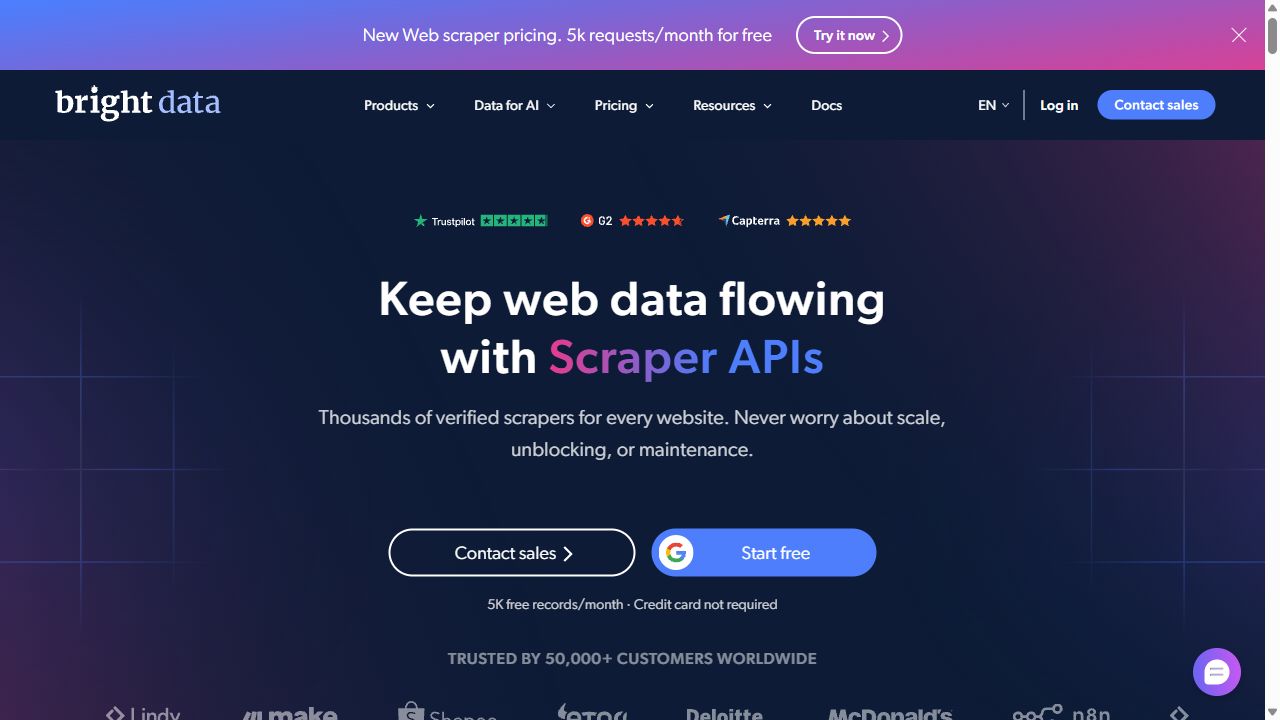
1. Bright Data: managed scraper APIs
| Price | $1.50 / 1,000 recordsWeb Scraper API pay-as-you-go pricing |
|---|---|
| Best for | Developers feeding structured website data into an application. |
| Free / trial limits | 5,000 records / month listed for the Web Scraper API |
| Key feature | Maintained scraper APIs with structured JSON, NDJSON, or CSV delivery. |
| Main limitation | Check the specific scraper, required inputs, output fields, and delivery method. |
Choose Bright Data when you want a maintained scraper API for a supported source. It can deliver parsed results as JSON, NDJSON, or CSV through an API, webhook, or cloud storage.
That suits a product-monitoring job where your application needs prices, availability, and timestamps in a consistent format. Before switching, compare the actual fields returned by the scraper with your current Actor’s output.
The price shown here is for the Web Scraper API. Bright Data’s other services have separate billing.
Good fit for supported-source extraction. Custom Actor logic and multi-step automation still need to be rebuilt.
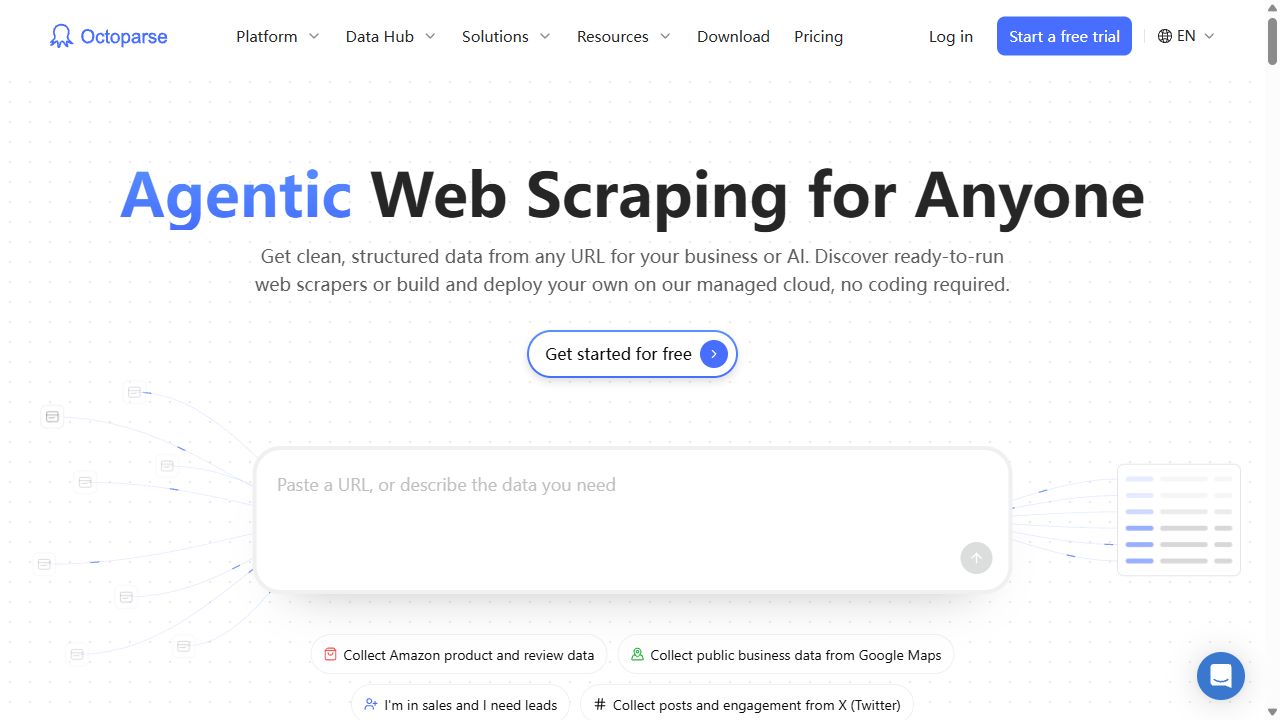
2. Octoparse: visually configured website scraping
| Price | Standard from $83 / monthMonthly price listed in the official help center |
|---|---|
| Best for | Researchers who prefer configuring an extraction task in an app. |
| Free / trial limits | 10 crawlers · local execution · 50,000 exported records / month |
| Key feature | Visual extraction tasks, with cloud execution and scheduling on paid plans. |
| Main limitation | Cloud execution and scheduling require an appropriate paid plan. |
Octoparse is the pick to consider when you want to configure a website scraper visually and review its output before exporting.
Its free plan runs locally. Cloud execution, scheduling, and data API access belong to paid plans. That distinction is important if the job needs to run every night while your computer is off.
Test pages with different layouts and missing fields. A task that handles one example correctly may need adjustments across the rest of the site.
Use the free local plan for a small, manually run job. Check the paid cloud configuration for unattended collection.
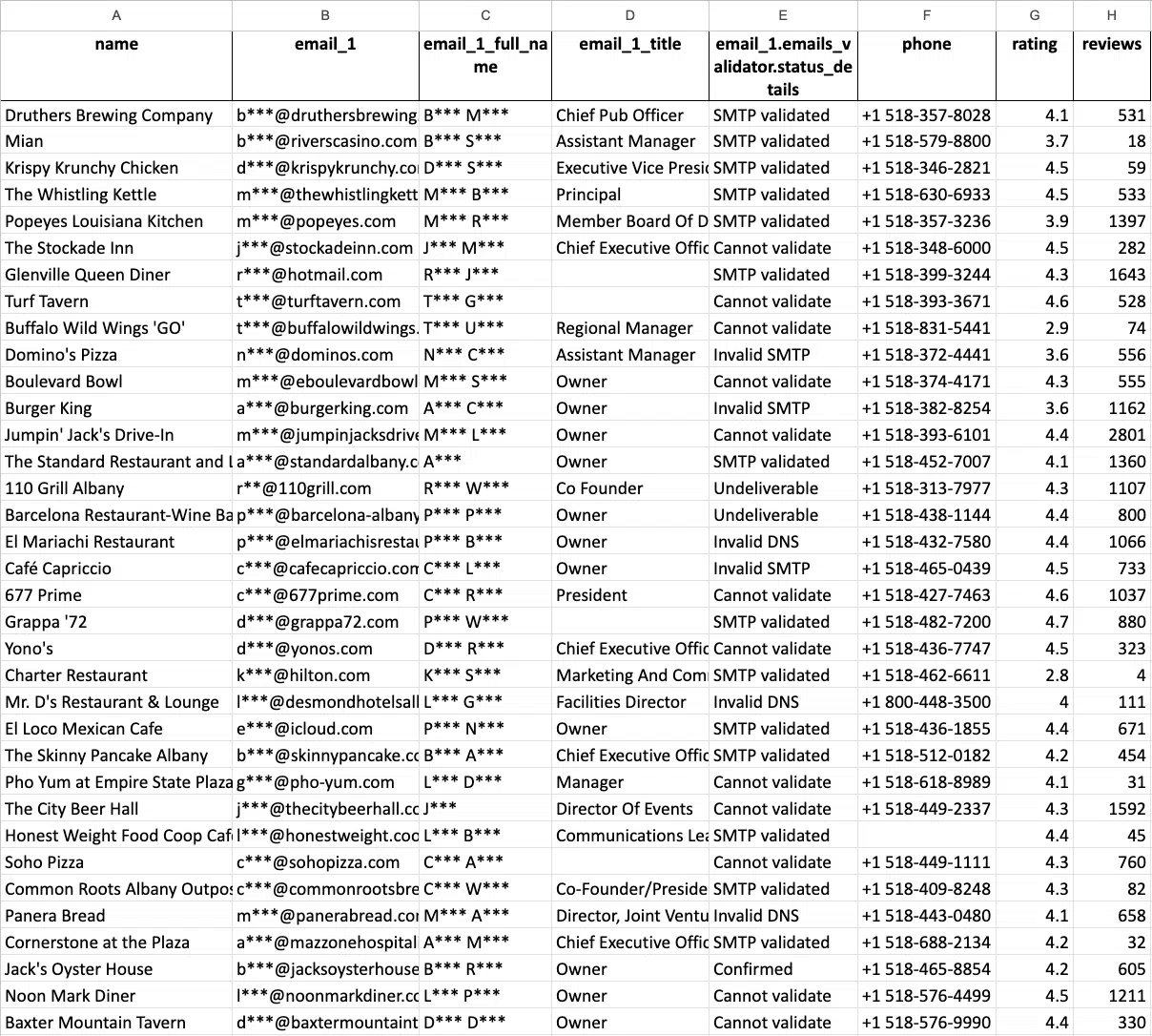
3. Outscraper: occasional Google Maps exports
| Price | $3 / 1,000 Maps recordsUsage from 501 to 100,000 businesses; then $1 / 1,000 above that tier |
|---|---|
| Best for | Teams that want Maps records without a recurring subscription. |
| Free / trial limits | First 500 Maps businesses; tiers reset every 30 days |
| Key feature | Google Maps business exports with optional website-contact enrichment. |
| Main limitation | Base Maps extraction and additional enrichment need separate budgeting. |
Outscraper is a straightforward candidate for collecting Google Maps businesses on demand. It returns listing fields such as names, addresses, websites, phones, categories, ratings, and review counts.
Website emails come through its Emails & Contacts enrichment service. Include that service in your budget if a base Maps export is not enough for your campaign.
The first 500 businesses fall within the free Maps tier. The next published tier costs $3 per 1,000 records, with tiers resetting every 30 days.
A useful starting point for occasional raw-business exports. Compare the cost of extraction plus the enrichment you actually need.
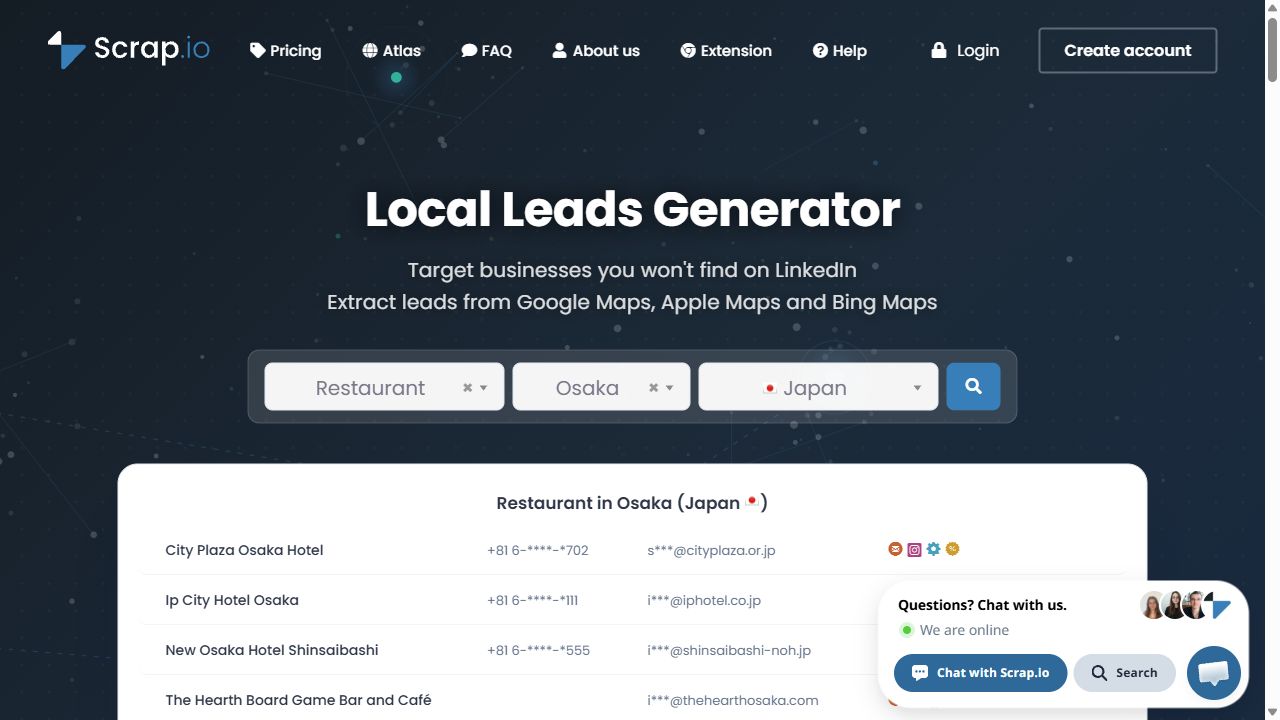
4. Scrap.io: geographic Maps prospecting
| Price | Basic $49 / month10,000 export credits; $35 / month equivalent when billed annually |
|---|---|
| Best for | Teams selecting businesses by category and territory. |
| Free / trial limits | 7-day trial · up to 100 leads |
| Key feature | Category-and-location search, contact filters, and plan-dependent geographic controls. |
| Main limitation | Radius, polygon, region, and whole-country searches have different plan requirements. |
Scrap.io is worth considering when the search area is a central part of your prospecting job. It supports Maps business search, contact filters, reverse search, file enrichment, and API access.
Basic covers city searches. Radius, polygon, larger administrative areas, and whole-country searches have different plan requirements. Choose around the territory you need to cover.
The advertised $35 monthly equivalent requires annual billing. Basic is $49 when billed monthly.
Choose it for category-and-geography searches. Check the geographic limits as carefully as the export allowance.
5. OwnerClue: local agency prospect research
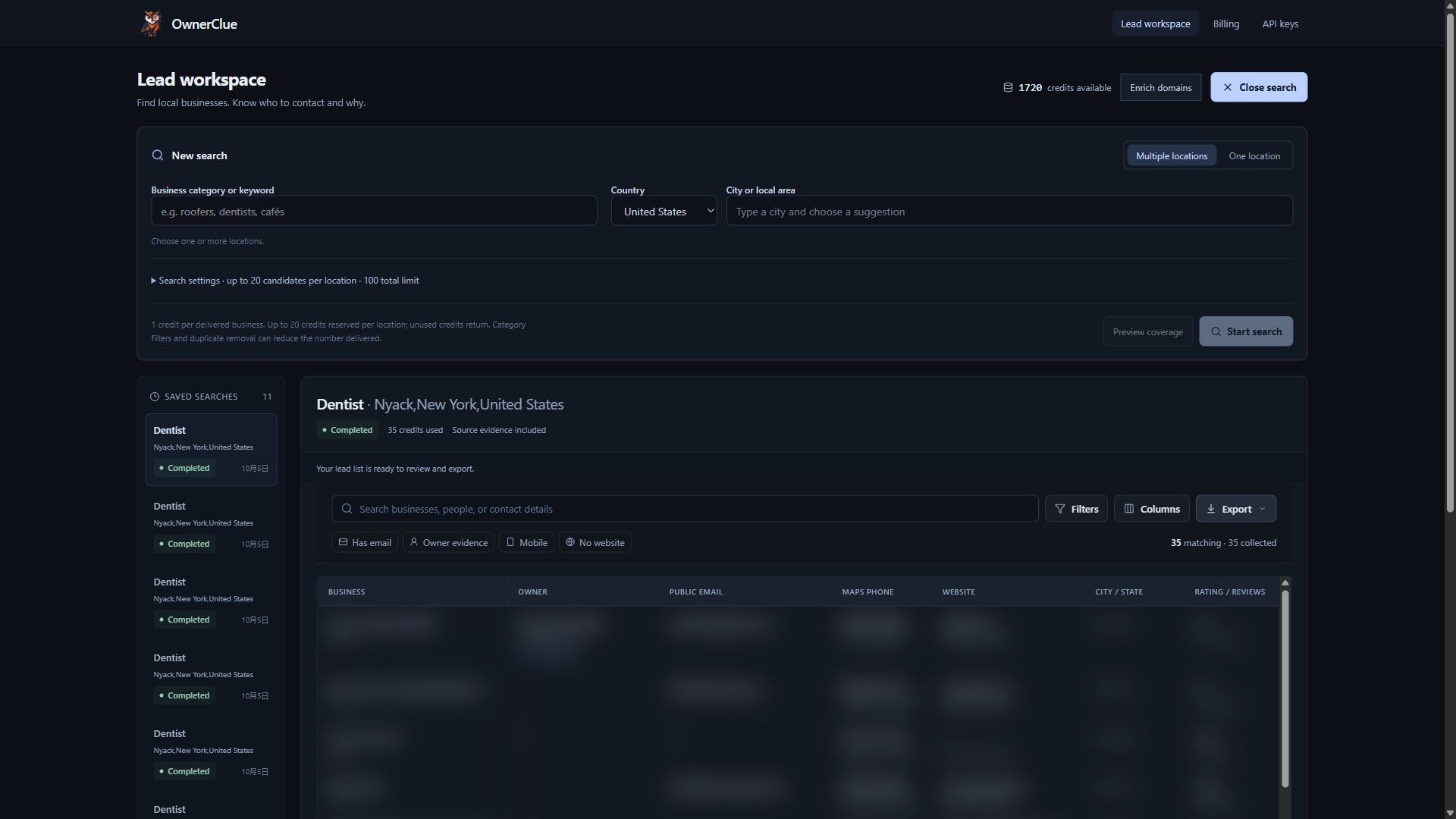
| Price | Starter $35 / month10,000 credits shared across supported operations |
|---|---|
| Best for | Web design, local SEO, and marketing agencies researching local prospects. |
| Free / trial limits | One-time 20-credit trial · 14 days · no card required |
| Key feature | Local market search, website research, opportunity clues, and sourced contacts in one prospecting workspace. |
| Main limitation | Public contacts and owners can be missing. Mailbox-delivery verification is separate. |
OwnerClue combines industry-and-location search with website research, contact review, and CSV export. It suits agencies that repeatedly prepare local prospect lists and want the findings kept in one business record.
For a web designer researching roofers, website observations can help prioritize manual review: no listed website, a site the crawler could not read, or no booking link found on inspected pages. Available contacts and sourced owner/founder clues add context. These are research leads, not proof that a business needs or wants your service.
Apify’s Maps Actors can also provide contacts and enrichment. OwnerClue’s appeal is the ready-made agency workflow around those findings; custom extraction and automation remain stronger reasons to keep Apify. Contacts can be missing, mailbox delivery is not verified, and GoHighLevel or Instantly exports are CSV handoffs rather than native sync.
Consider it when website and contact review are recurring parts of list building. Test the data for your target market before choosing a plan.
6. PhantomBuster: social-platform prospecting
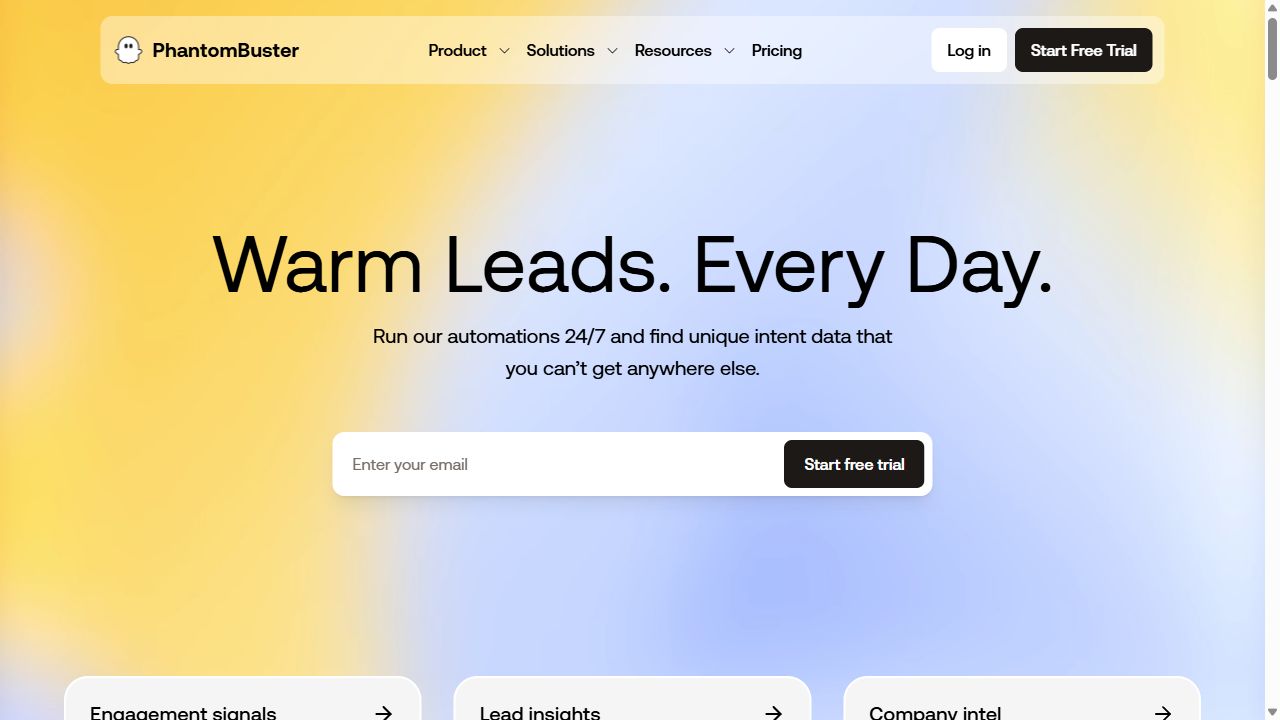
| Price | Start $56 / month equivalent$672 billed annually · 5 slots · 20 execution hours / month |
|---|---|
| Best for | Sales teams working with professional profiles and engagement signals. |
| Free / trial limits | Trial: 2 execution hours · 50 email credits · exports limited to 10 rows |
| Key feature | Ready-made profile extraction, contact enrichment, and social outreach workflows. |
| Main limitation | Execution time, automation slots, and email enrichment credits are separate limits. |
PhantomBuster is the relevant option when your prospects come from social or professional activity. Its documented workflows cover profile and engagement extraction, enrichment, and LinkedIn outreach.
For example, researching people who engaged with a relevant post is a different job from finding plumbers in a city. The platform connection and available signals matter more than Maps coverage.
Its execution time, automation slots, and email credits are separate allowances. The trial’s 10-row export limit also makes it a small evaluation sample, rather than a ready-to-use campaign list.
Choose it for a supported prospecting workflow. Check the connected-account requirements and allowances for the automation you will run.
7. Crawlee: a crawler your team owns
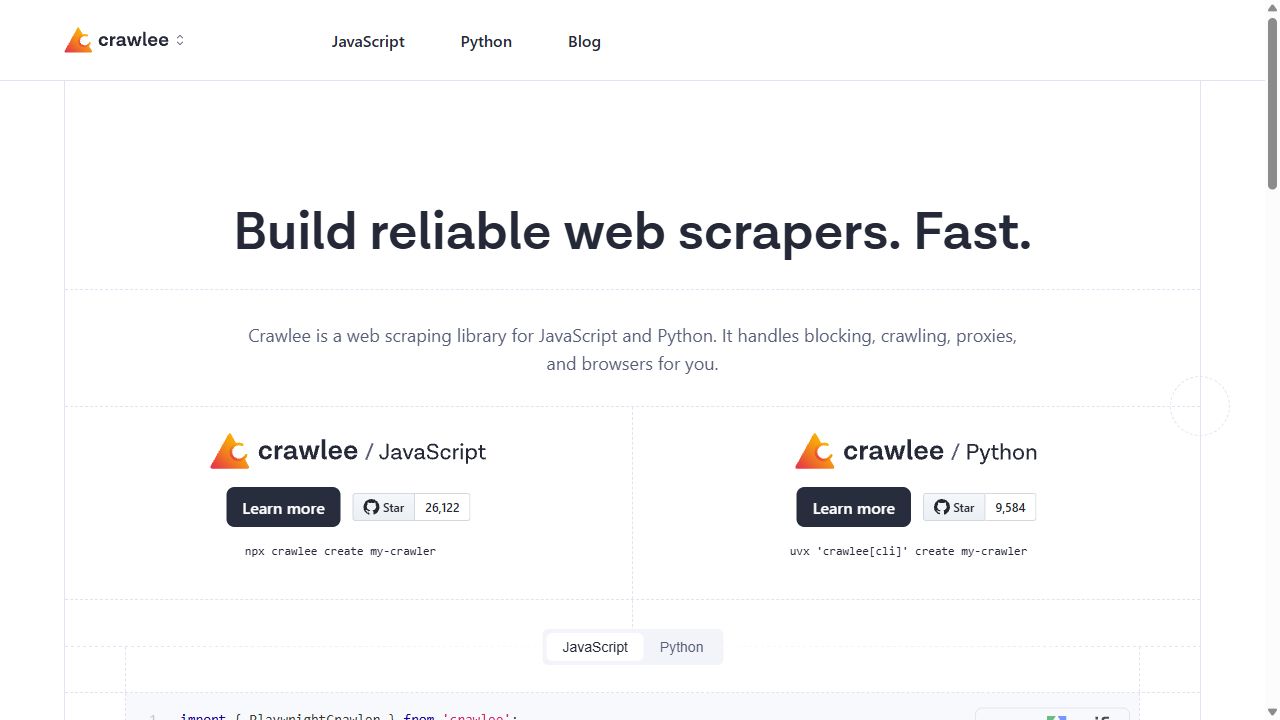
| Price | Free, open-source softwareHosting, proxies, storage, and engineering are additional costs |
|---|---|
| Best for | Developers who will build and operate their own extraction code. |
| Free / trial limits | Library has no software subscription fee |
| Key feature | Open-source JavaScript and Python crawling, with infrastructure you manage. |
| Main limitation | Your team owns execution, monitoring, infrastructure, and maintenance. |
Crawlee is free, open-source software from Apify. Self-hosting it is an alternative to Apify’s hosted infrastructure, while keeping tooling from the same company.
The trade-off is operational responsibility. Your team handles execution, scheduling, storage, monitoring, and any required proxies. You also maintain the extraction code when a source changes.
Choose it when infrastructure control is worth the engineering work. Free software does not mean a free production system.
Prices and free limits, side by side
USD prices below distinguish monthly billing, annual equivalents, and usage-based charges.
| Tool | Free access | Paid starting point | Key feature |
|---|---|---|---|
| Apify | $5 monthly usage allowance | Starter $19 / month + usage | Custom Actors, scheduled runs, and hosted automation |
| Bright Data | 5,000 records / month listed for the Web Scraper API | $1.50 / 1,000 records | Maintained scraper APIs with structured JSON, NDJSON, or CSV delivery. |
| Octoparse | 10 crawlers · local execution · 50,000 exported records / month | Standard from $83 / month | Visual extraction tasks, with cloud execution and scheduling on paid plans. |
| Outscraper | First 500 Maps businesses; tiers reset every 30 days | $3 / 1,000 Maps records | Google Maps business exports with optional website-contact enrichment. |
| Scrap.io | 7-day trial · up to 100 leads | Basic $49 / month$35 / month equivalent with annual billing | Category-and-location search, contact filters, and plan-dependent geographic controls. |
| OwnerClue | One-time 20-credit trial · 14 days · no card required | Starter $35 / month | Local market search, website research, opportunity clues, and sourced contacts in one prospecting workspace. |
| PhantomBuster | Trial: 2 execution hours · 50 email credits · exports limited to 10 rows | Start $56 / month equivalent$672 billed annually | Ready-made profile extraction, contact enrichment, and social outreach workflows. |
| Crawlee | Library has no software subscription fee | Free, open-source software | Open-source JavaScript and Python crawling, with infrastructure you manage. |
Sources are linked under each tool. Octoparse figures come from its official help center; confirm the selected configuration. Trial credits are not an ongoing free plan.
A plan, a record, and an enrichment credit are different units. Compare the finished job rather than dividing every subscription by its largest advertised allowance.
For a prospecting pilot, include extraction, enrichment, any separate mailbox checks, and cleanup time. Count only businesses that meet the same criteria in both tools. A shared inbox should not count as an owner-linked address when that is what your campaign requires.
Cost per accepted business = total job cost ÷ businesses that meet your criteria.
Three practical ways to replace an Apify workflow
| Starting point | Discovery | Contact research | Cost model |
|---|---|---|---|
| Local business prospects | Outscraper, Scrap.io, or OwnerClue | Compare listing exports, geographic controls, and a workspace for reviewing website and contact findings | Budget the search plus required enrichment |
| Structured website data | Bright Data, Octoparse, or Crawlee | Match the source, required fields, and run schedule | API usage, a local/cloud plan, or infrastructure you operate |
| An existing Actor | Keep the Apify discovery step | OwnerClue domain enrichment; up to 100 rows per batch; join CSVs by domain | Actor costs plus separate domain-enrichment credits |
1. Replace a local business search
Choose Outscraper for occasional Maps exports, Scrap.io for category-and-territory search, or OwnerClue for agency prospect research. Run the same small market sample in your chosen tool and current Actor. Compare listing fields, website contacts, duplicates, and missing data. Include enrichment charges before scaling the list.
2. Rebuild a website extraction task
Check whether Bright Data has a maintained scraper for your source and required fields. If you need to configure the extraction visually, test Octoparse across several page layouts. For custom code you will operate, consider Crawlee. Map the output columns and recreate any schedule or downstream handoff before retiring the Actor.
3. Keep discovery and change the research step
Keep an Actor that already finds the right businesses. Export and deduplicate website domains, then test a separate enrichment service. OwnerClue accepts up to 100 domain rows per batch. Join the reviewed results back by domain, preserve the sources, and budget both services. This is a file handoff, not a native Actor migration.
- Find the businesses
- Review the contacts
- Keep the sources
- Export the shortlist
Before retiring an Actor, compare a small sample from the same market or URLs. Check required fields, duplicates, missing contacts, output mapping, and any scheduled handoff. Read the domain-enrichment limits and credit rules.
Which alternative should you choose?
For a team finding local business prospects
Start with Outscraper for occasional listing exports. Compare Scrap.io if territory controls are central to the search. Consider OwnerClue when your agency also needs to review website observations and sourced contacts before exporting a shortlist. Check a sample from the same market in each candidate.
For a developer collecting website data
Use Bright Data when a maintained scraper covers your source and required fields. Choose Crawlee when you need to control the code and can operate it. If you prefer configuring the task in an app, check Octoparse’s local or cloud plan.
For a team building lists from social activity
Check PhantomBuster’s specific workflow and allowances. If the job depends on several custom cloud programs, keep Apify while you test any replacement for the individual extraction step.
When to keep Apify
Keep Apify if your team relies on custom Actors, coordinated programs, or a hosted runtime it does not want to operate. Replacing a single extraction task is easier than replacing that infrastructure.
If cost is the problem, measure a representative run first. Apify’s Free plan includes $5 of monthly usage; Starter includes $19 before overages. Its pricing documentation recommends a test run to understand an Actor’s actual consumption.
Frequently asked questions
What is the best free Apify alternative?
For local Maps records, start with Outscraper’s 500-business free tier. For small website jobs, consider Octoparse’s free local plan. For code you operate yourself, Crawlee has no software subscription fee. Apify itself includes $5 of monthly usage. OwnerClue, Scrap.io, and PhantomBuster trials are time- or usage-limited evaluations, not recurring free plans.
Which Apify alternative is best for Google Maps leads?
Choose Outscraper for occasional usage-based exports, Scrap.io for category-and-territory search, or OwnerClue for agency prospect research that includes website observations and sourced contacts. These recommendations describe different outputs; compare a small sample from the same market.
Can I migrate an Apify Actor directly to another tool?
Usually you need to rebuild the handoff. Check the new tool’s inputs, output fields, schedules, and API behavior. You can keep Apify for discovery while moving a separate enrichment step to another tool.
Does a scraped email mean I can reach the business owner?
No. An address can be a general business inbox, a person-linked contact, or an address whose association remains unclear. Mailbox deliverability is another question. Preserve the person evidence and email evidence separately. The owner name and email guide explains how to review the pair.
Test the workflow before you switch
Pick the tool that fits your main job, then run a small sample against your current Actor. Compare the required fields, missing data, cleanup work, and total cost before moving a recurring job. Keep Apify if its custom runtime is still doing work you need.
If local agency prospect research is your priority, try a small list in OwnerClue. The one-time trial includes 20 credits, valid for 14 days, with no card required.